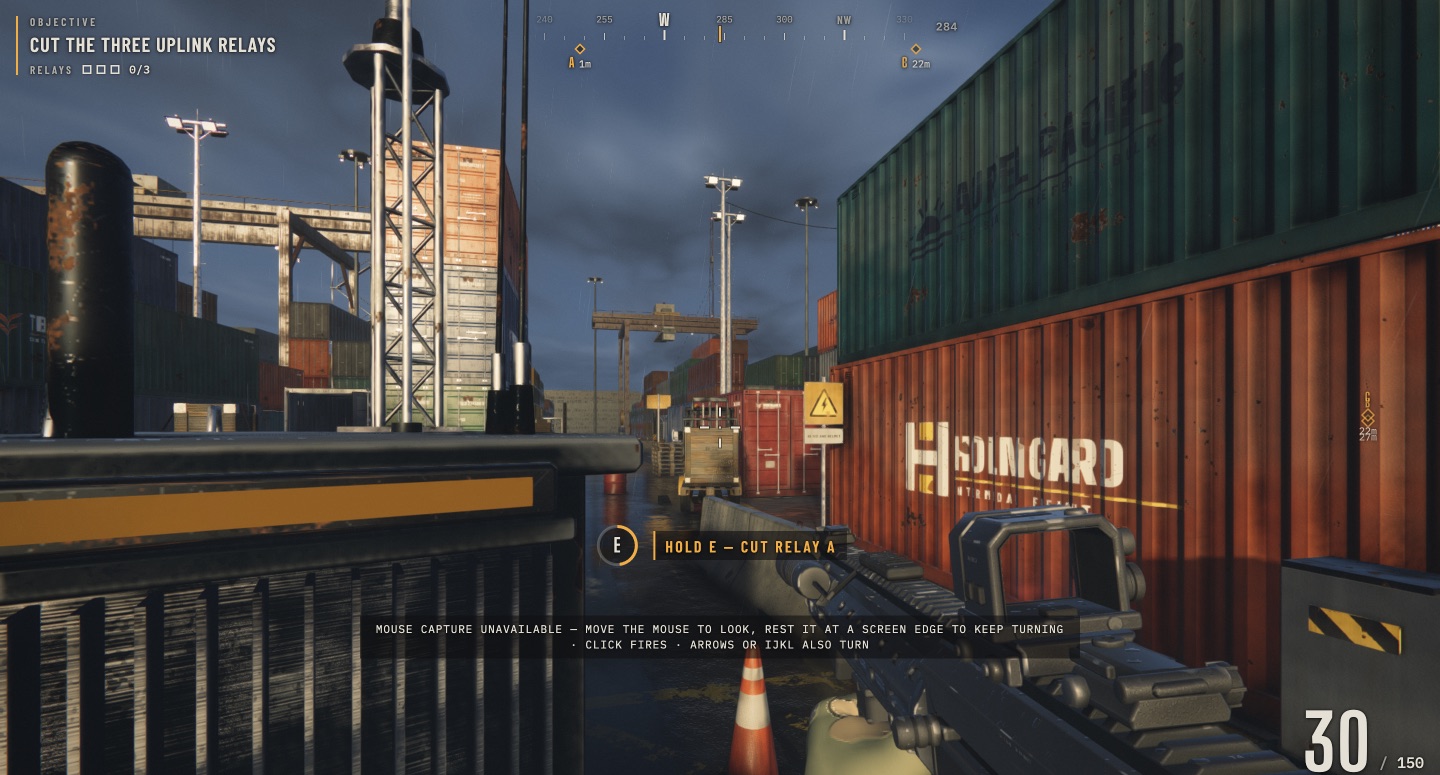
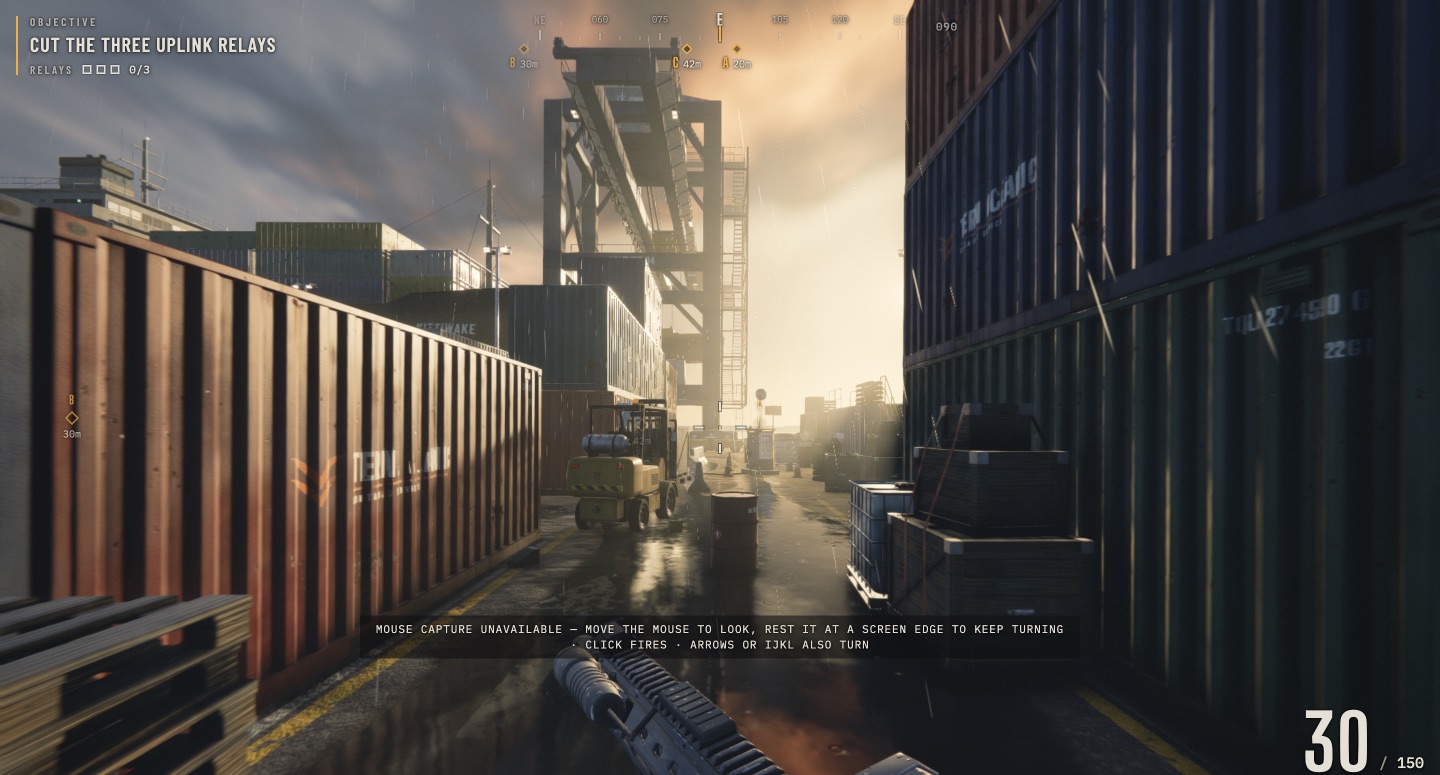
Container lane
Forklifts, stacked cargo and wet ground make the route less direct than the compass suggests.
CLAUDE FABLE 5.2 · BROWSER FPS
Felix Rieseberg’s Claude Fable 5.2 shooter drops you into a rain-soaked container port. Play the original, learn the controls, and follow our hands-on relay notes.
Opens claude.ai in a new tab.
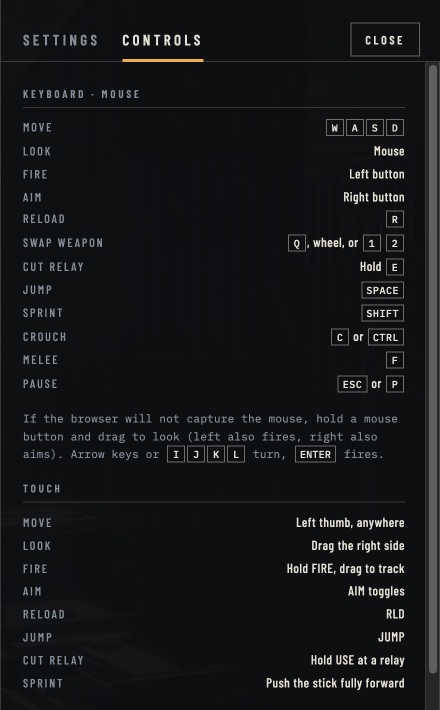
Keyboard, mouse, touch and listed controller bindings. Includes the original game’s mouse-capture fallback.
Understand Mission mode, relay interaction and the extraction objective, with clear limits on what we have tested.
How the prompt, procedural materials and synthesized audio fit together—and why the first build differs from today’s play link.
SALTLINE / MISSION
Saltline is the harbor shooter published by Felix Rieseberg as a Claude artifact. The Mission brief is simple: disable three uplink relays, then reach a boat. The interest around Claude Fable 5.2 explains where it came from; the wet lanes, obstructed sightlines and incoming machines are what you actually have to deal with in play.
The main link opens the revised build. Its menu includes Mission, Holdout and difficulty choices. Our notes concern Mission; there is no game download or hosted copy on this wiki.
Follow the Play link and let the port finish loading. We reached the title screen without signing in; the host’s access conditions can change.
Open Controls on the title screen. On a desktop, start with WASD, mouse look and R to reload. The current build also lists touch and controller inputs.
Use Mission for the relay objective. Check the mode and difficulty you selected, then Deploy. The live HUD is your reference for progress.
FIELD NOTES / 12 NOV 2026
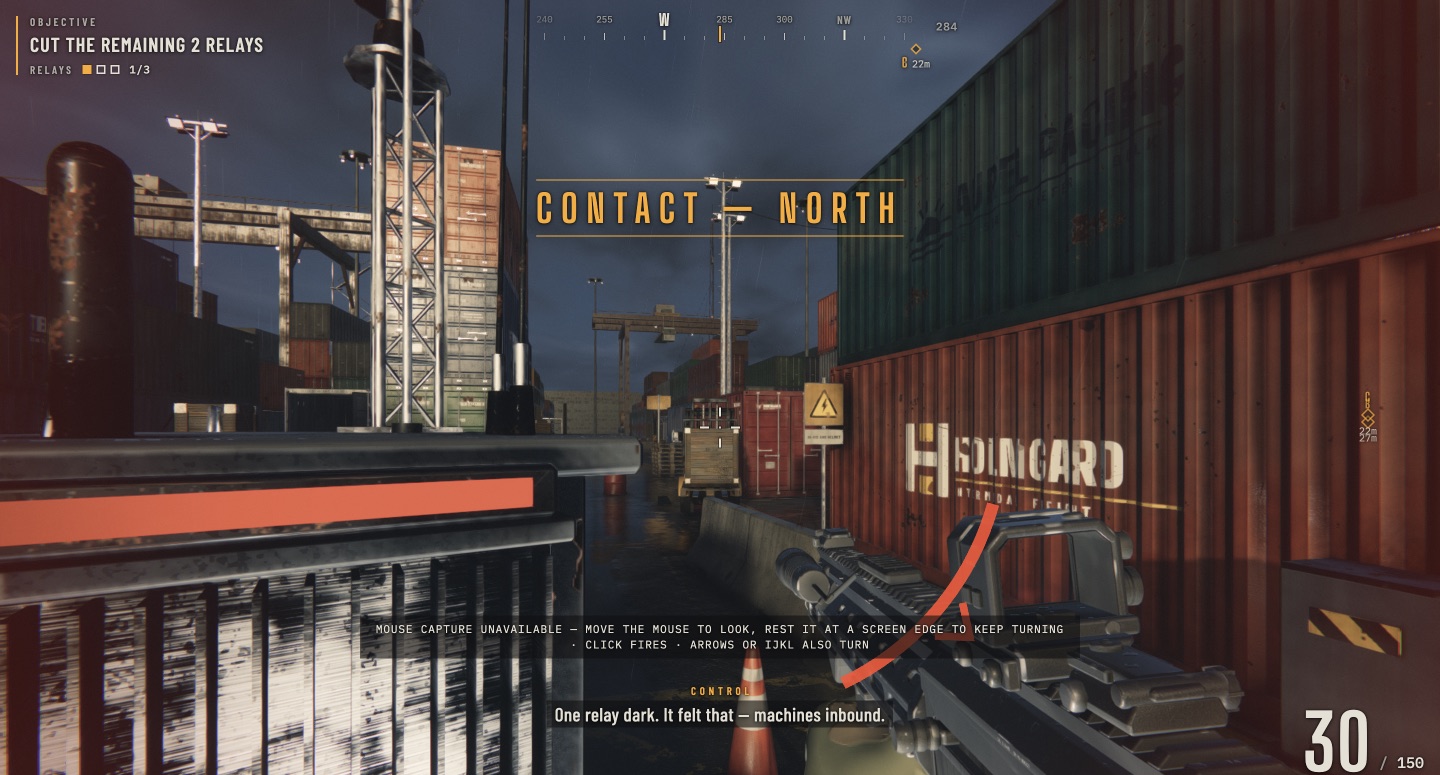
In our continued Mission session we disabled Relay A in the yard and Relay C by the quay. The HUD progressed to 2/3 before the run ended under fire. Here is what the actual attempt taught us.
A compass marker is not a clear walking route. We ran into a forklift and container walls while following the bearing. Changing the approach was more useful than continuing to push straight ahead.
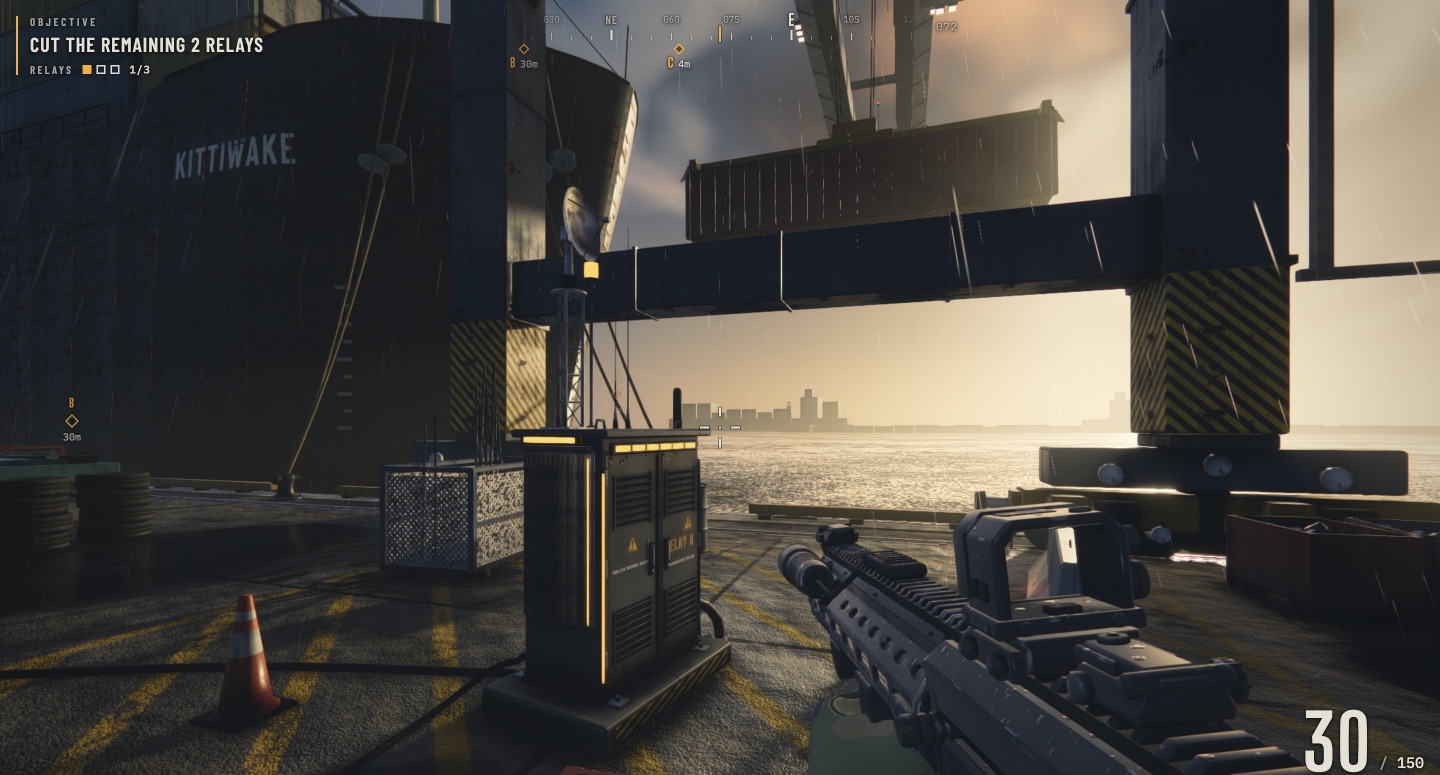
The live relay has illuminated strips. Close the distance until the interaction is visible, keep holding E through the circular progress indicator, and check the counter. Our first cut changed 0/3 to 1/3 and the objective to the remaining two relays.
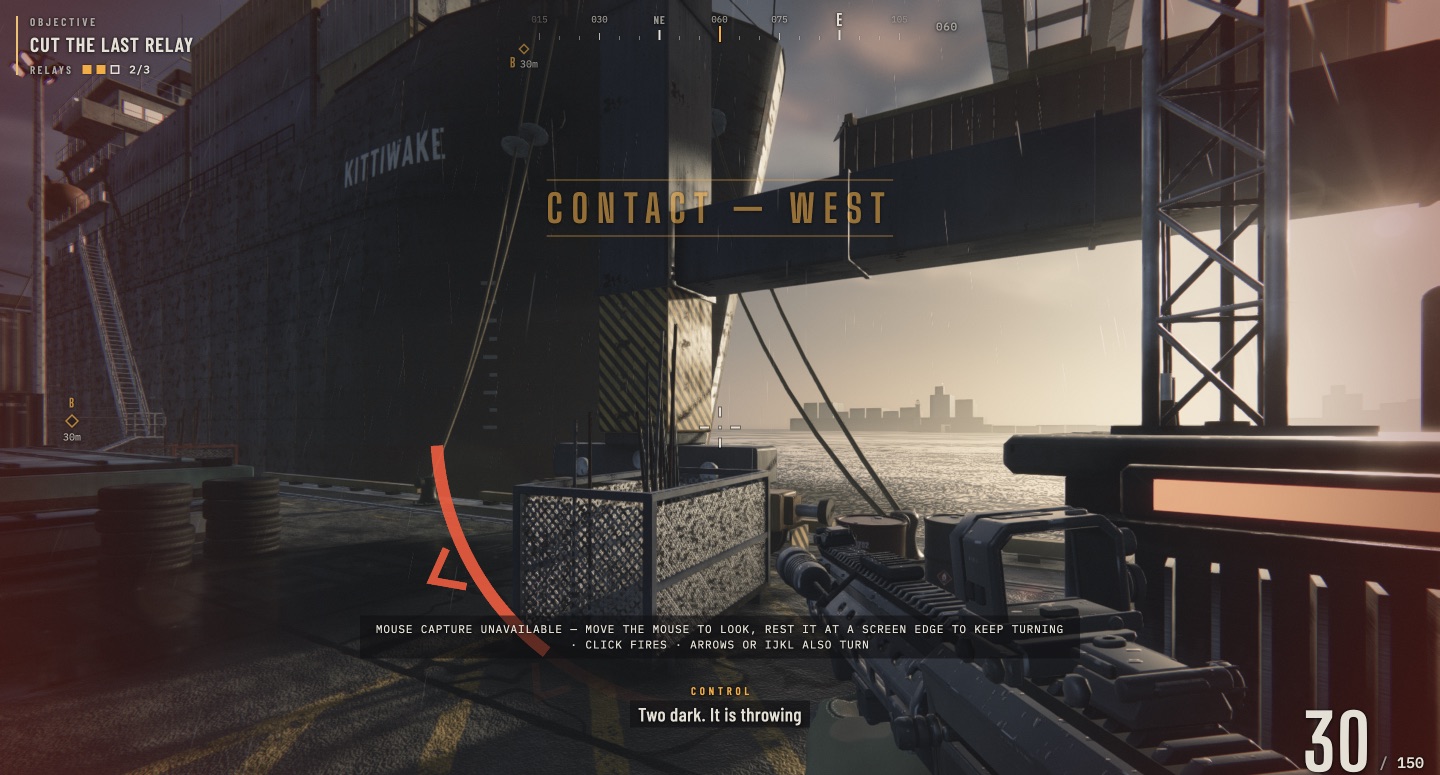
The first cut was followed by an incoming-machine message. At C, beside MV KITTIWAKE, the counter reached 2/3 while damage indicators appeared. We lost the run before finishing the shed relay and extraction; staying exposed during the hold was costly.
Our impression: the port is convincing and the objective is easy to read, but navigating around cover and surviving the hold matter more than simply chasing the diamonds. This is a hands-on account of an unfinished run, not a fastest-clear claim.
A short continuous browser recording from the same Mission attempt. The counter is already 1/3 as we approach C. It shows the live port and weapon movement; it is not a complete walkthrough.
6.9-second capture · no audio recorded · original game by Felix Rieseberg
Real captures from the revised original: the container lane, the yard relay, the quay, and the result of our attempt. Open an image to inspect its HUD.
Forklifts, stacked cargo and wet ground make the route less direct than the compass suggests.
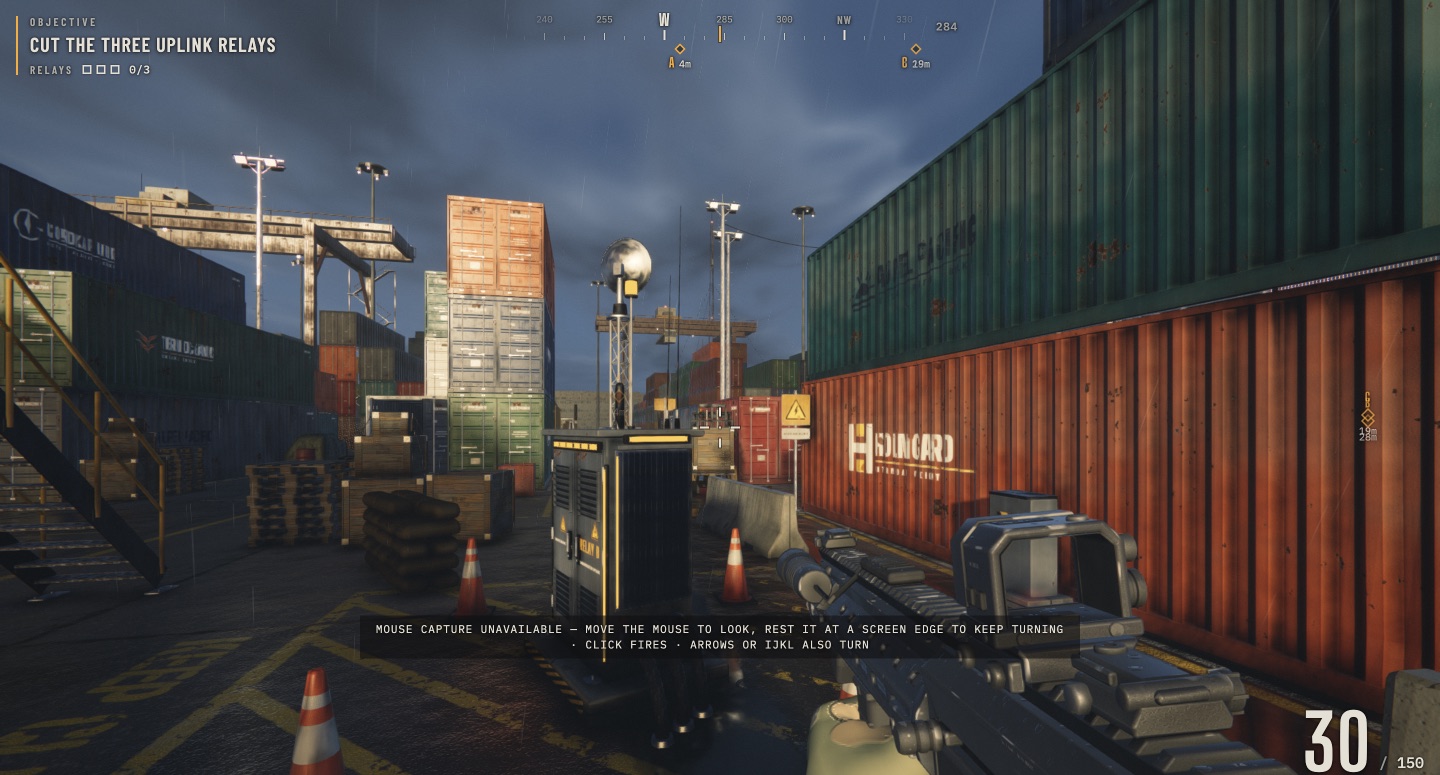
The illuminated terminal before the cut. The nearby traffic cones and cargo help identify the scene.
A second relay sits beside the ship and gantry. This capture shows the counter at 1/3.
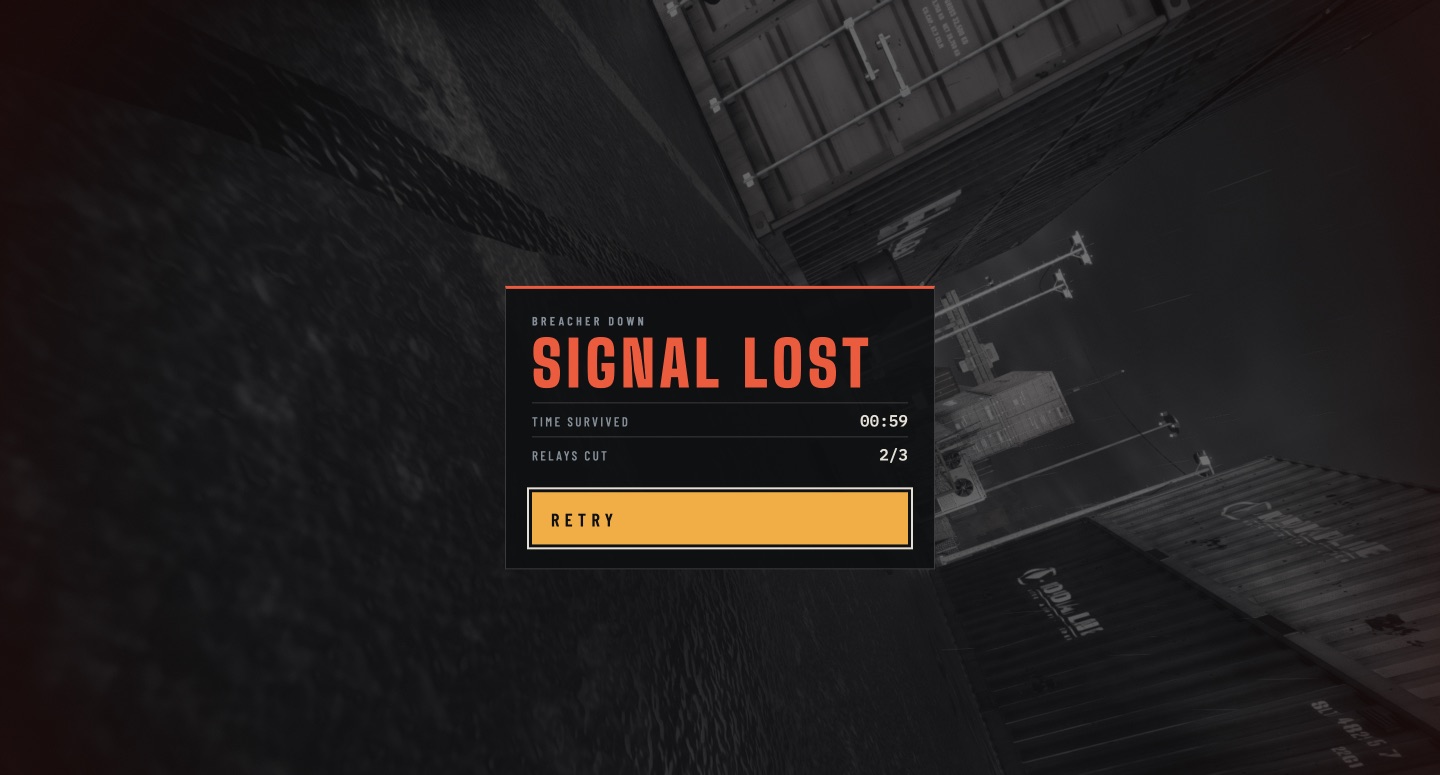
The run ended with two relays cut. The displayed survival time is not a completion time.
CLAUDE / FABLE 5.2
Saltline is the game. Claude is Anthropic’s AI, and Fable 5.2 is the model Felix identifies in his experiment. His launch post describes an initial one-prompt run of about eight hours. The current Play link is a later revision, so “made in one shot” does not mean today’s linked game is untouched.
The making-of shows textures generated as functions, rather than imported image files, and sound built through synthesis. That helps explain the port’s small browser format without turning a compact FPS into a claim of a finished commercial AAA game.
Read the Claude Fable 5.2 story ↗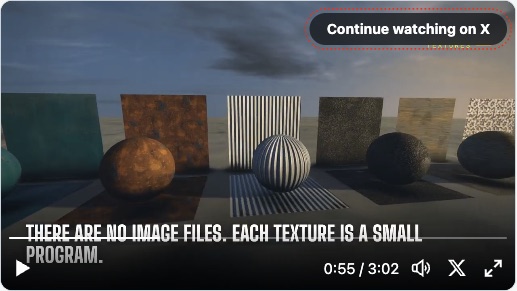
Two different creator videos: one shows the game in action, the other explains the Claude Fable 5.2 build. Each player loads only when you choose it.
Watch the rifle view, hostile machines and relay HUD in the creator’s 1:12 launch clip. This is his footage, separate from our own playtest.
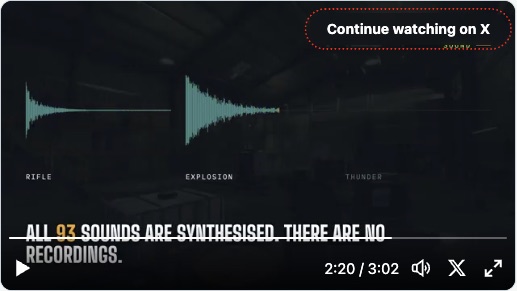
A 3:02 making-of from Felix Rieseberg. Look for procedural materials at 00:55, wet-ground interaction at 01:35 and synthesized sound at 02:20.
PLAYER DISCUSSION
The public Hacker News discussion contains both mobile-control complaints and reports of Firefox working on some systems. These are individual reports, not a compatibility matrix. The current game lists touch controls and alternative mouse input; try the original on your own device before assuming a browser is unsupported.
Read the public discussion ↗Troubleshooting →The main Play link opens the revised version. In the title-screen note, Felix says he spent about two additional hours improving weapon models, sound and gameplay. That screen links a separate first build made without human feedback. Inputs and screenshots on this site refer to the revised artifact checked on 12 November.
Open the initial one-shot version ↗Use the Play Saltline button to open Felix Rieseberg’s shared Claude artifact. The game runs there; this wiki does not host a copy or a download.
Cut three uplink relays and reach the boat. The current Controls panel lists holding E at a relay, or holding USE on touch.
The current game documents touch controls. That does not establish smooth play on every phone. We have not tested physical mobile hardware; player reports vary.
No. The main link is the revised artifact. Felix’s note explains the extra work and links the initial one-shot build separately.
Felix Rieseberg published Saltline as an experiment made with Claude Fable 5.2. The game runs in your browser; Claude and Fable describe the AI background, not a separate game client or a cloud-streaming subscription.
Our recorded attempt cut A and C and reached 2/3, then ended before the last relay and boat extraction. The images and notes document that result; they do not claim a complete clear.
Gameplay facts here refer to the revised artifact linked above. Creator statements and player reports are identified separately.